
Complete documentation
User guide
Argus Legal AI
Everything you need to master Argus: a complete manual and step-by-step video tutorials
User manual
The definitive Argus guide: automated drafting, step by step
If the PDF does not display correctly, you can download it here
Video tutorials
Learn visually with our step-by-step tutorial series
1
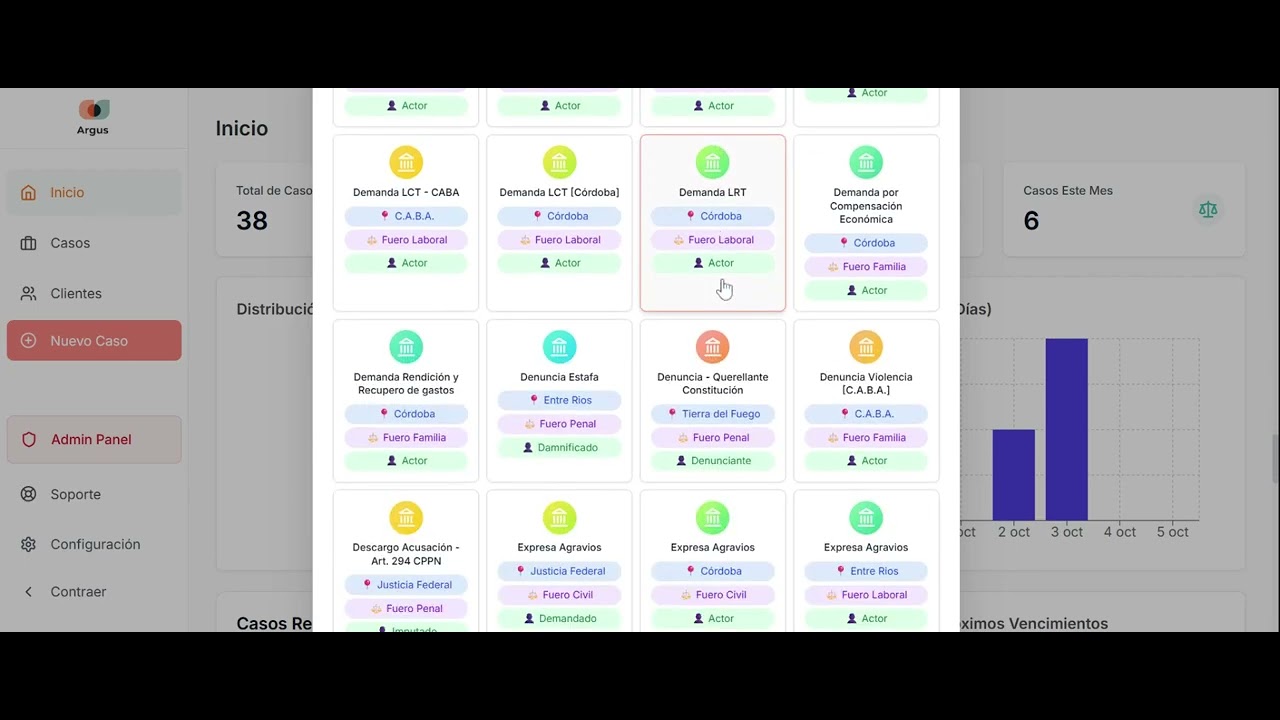
Step 1: Create the filing - Generic modules
Step 1: Create the filing - Generic modules
Learn to create a new filing and set the initial parameters
2
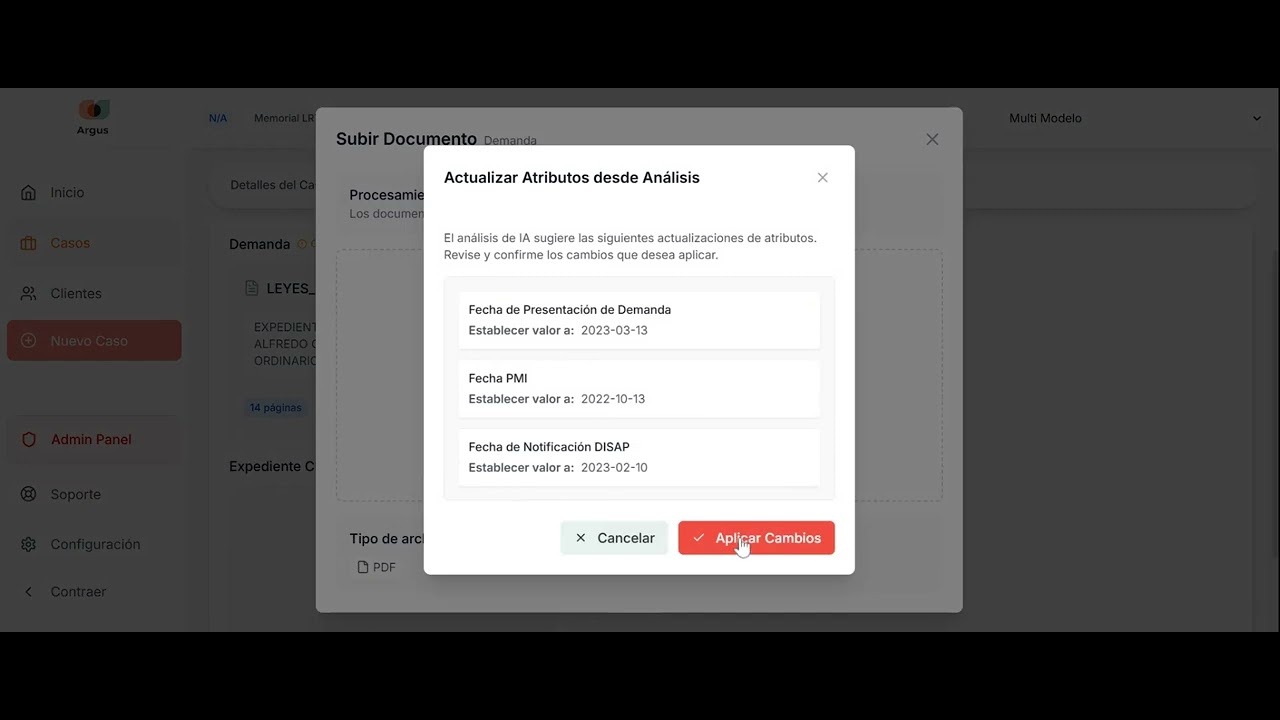
Step 2: Attributes - Upload documents
Step 2: Attributes - Upload documents
How to upload and organize the key documents for your filing
3
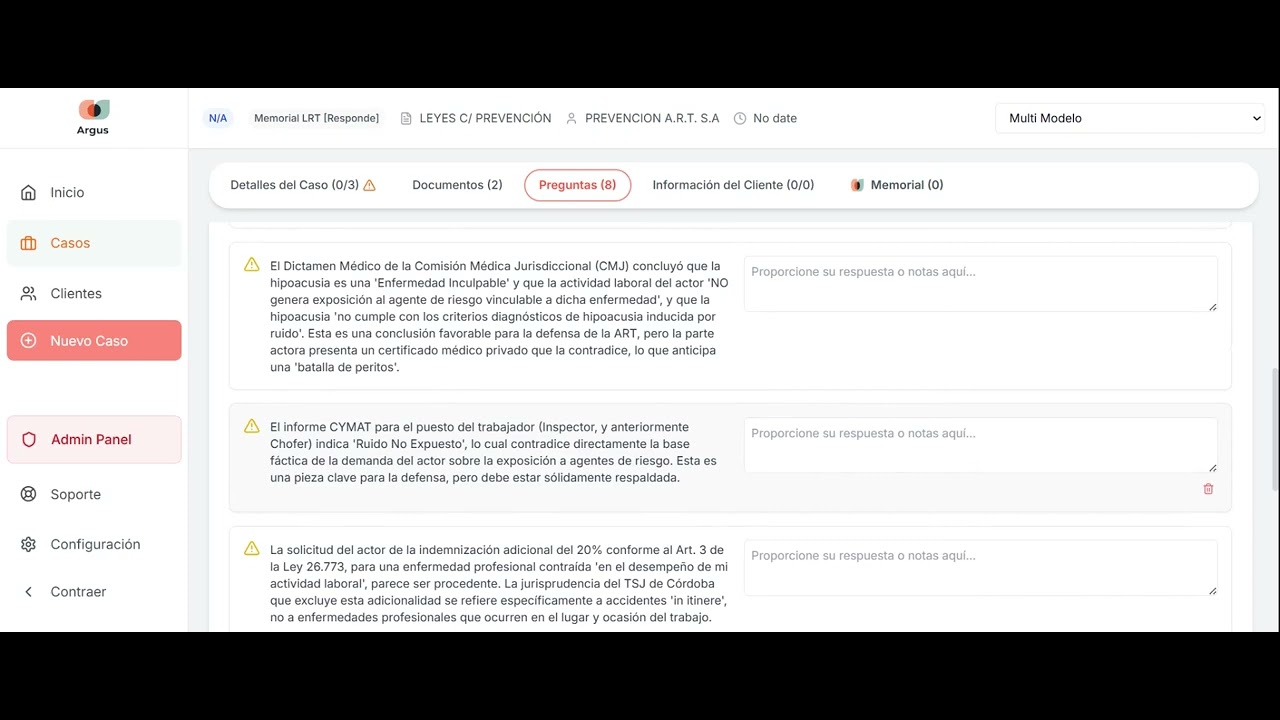
Step 3: Questions and issues
Step 3: Questions and issues
Answer the AI context-analysis questions
4
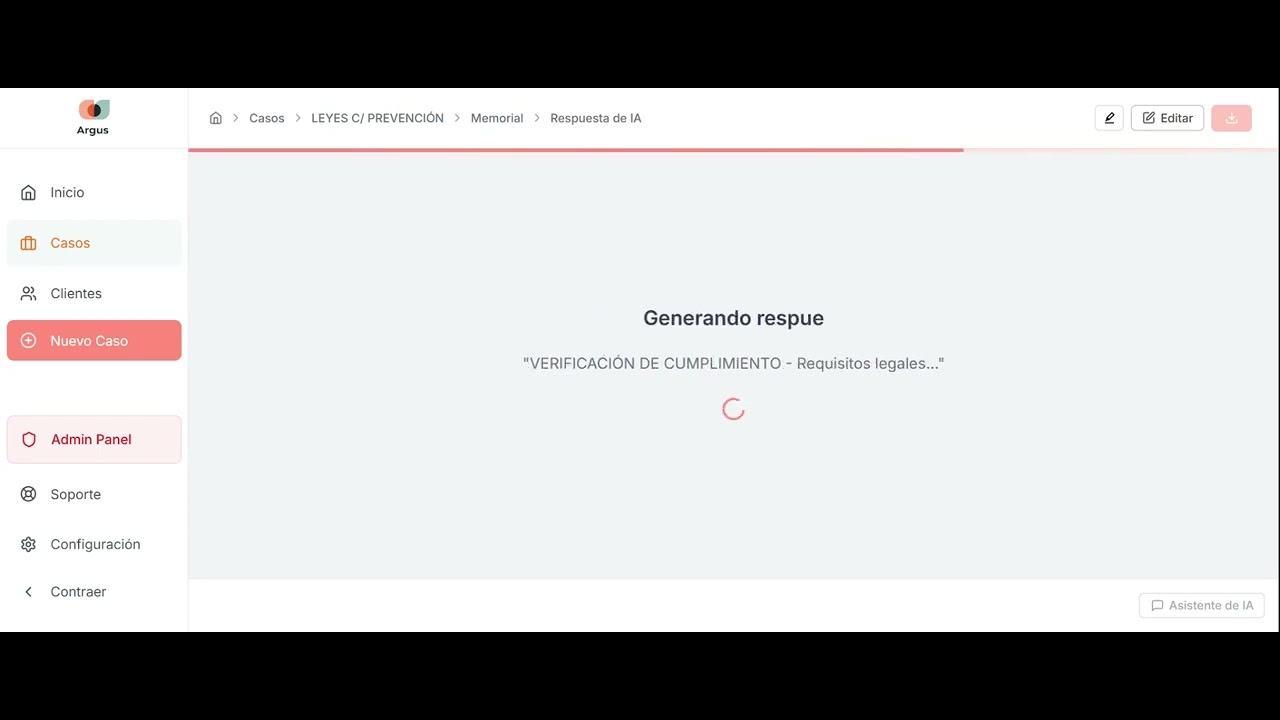
Step 4: Generate the filing
Step 4: Generate the filing
Generate your legal document automatically with one click
5
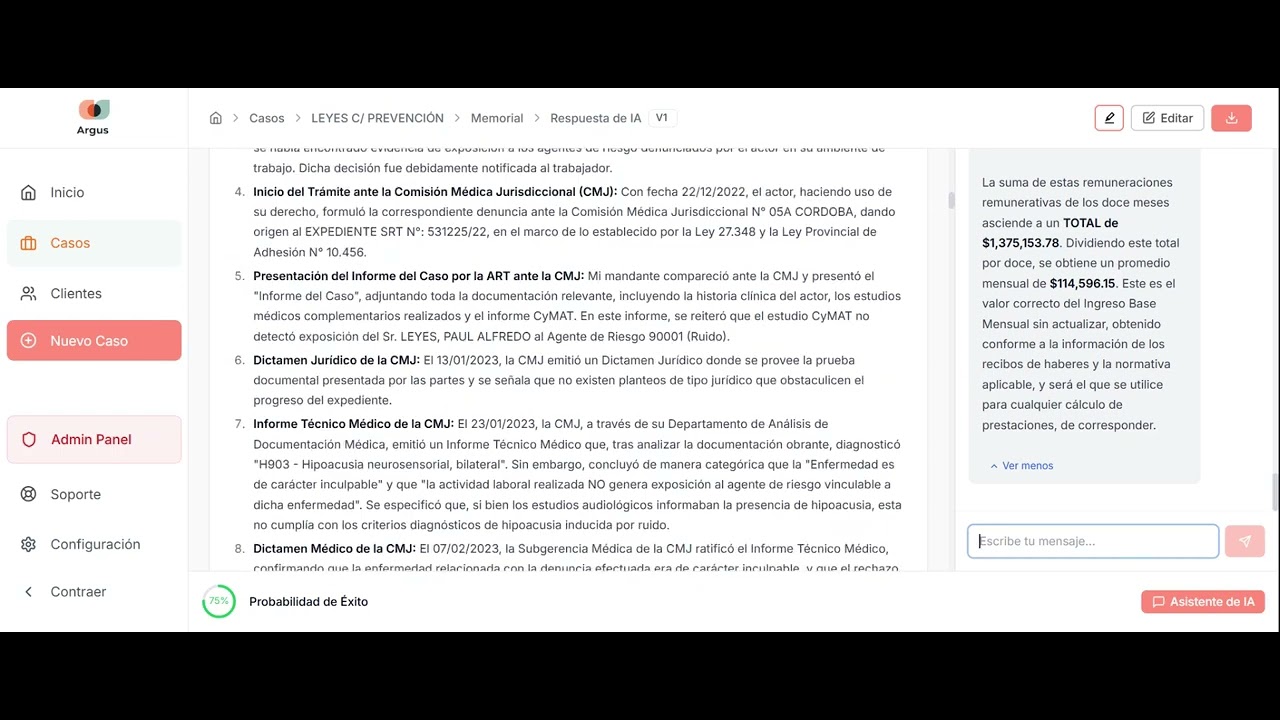
Step 5: Edit the filing - Using the AI assistant
Step 5: Edit the filing - Using the AI assistant
Edit and refine your document with help from the AI assistant
6
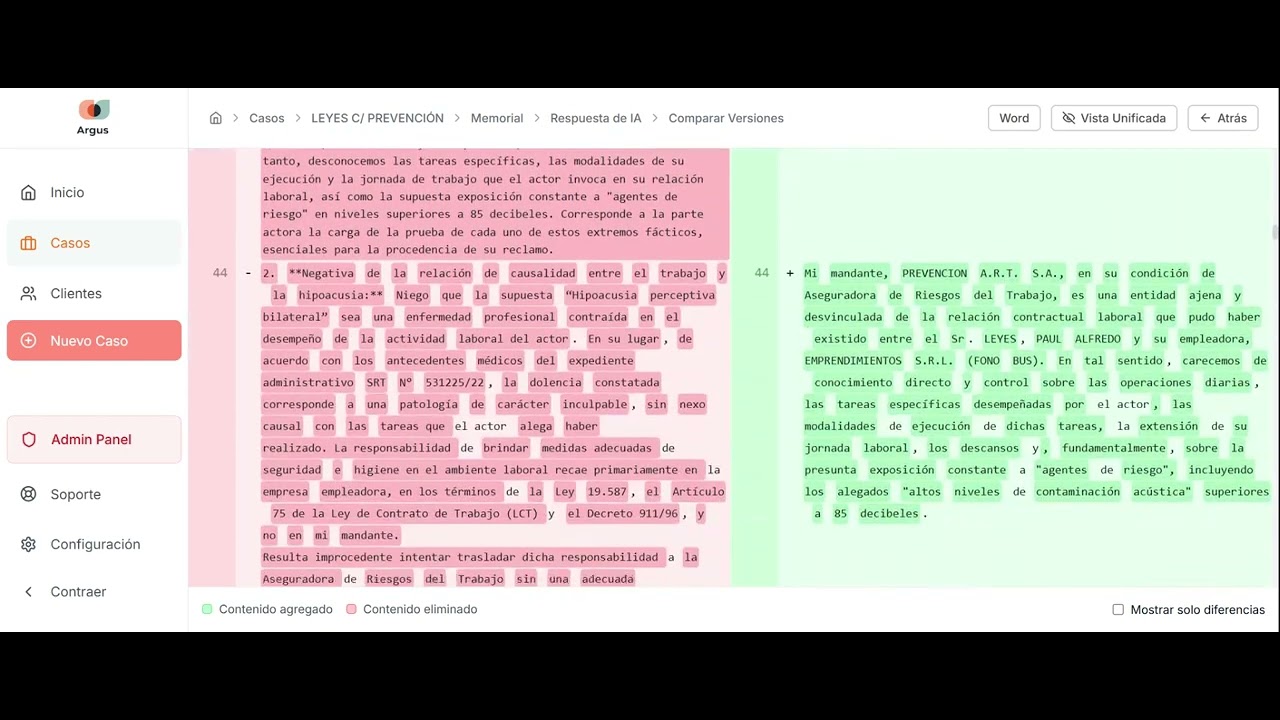
Step 6: Compare versions - Download the document
Step 6: Compare versions - Download the document
Compare versions and download your final document
Ready to get started?
Start automating your legal filings today with Argus Legal AI
✓ Free demo ✓ Setup in minutes ✓ Support in Spanish and English